Generate Eye Catching and Professional Gmail signature with MySign
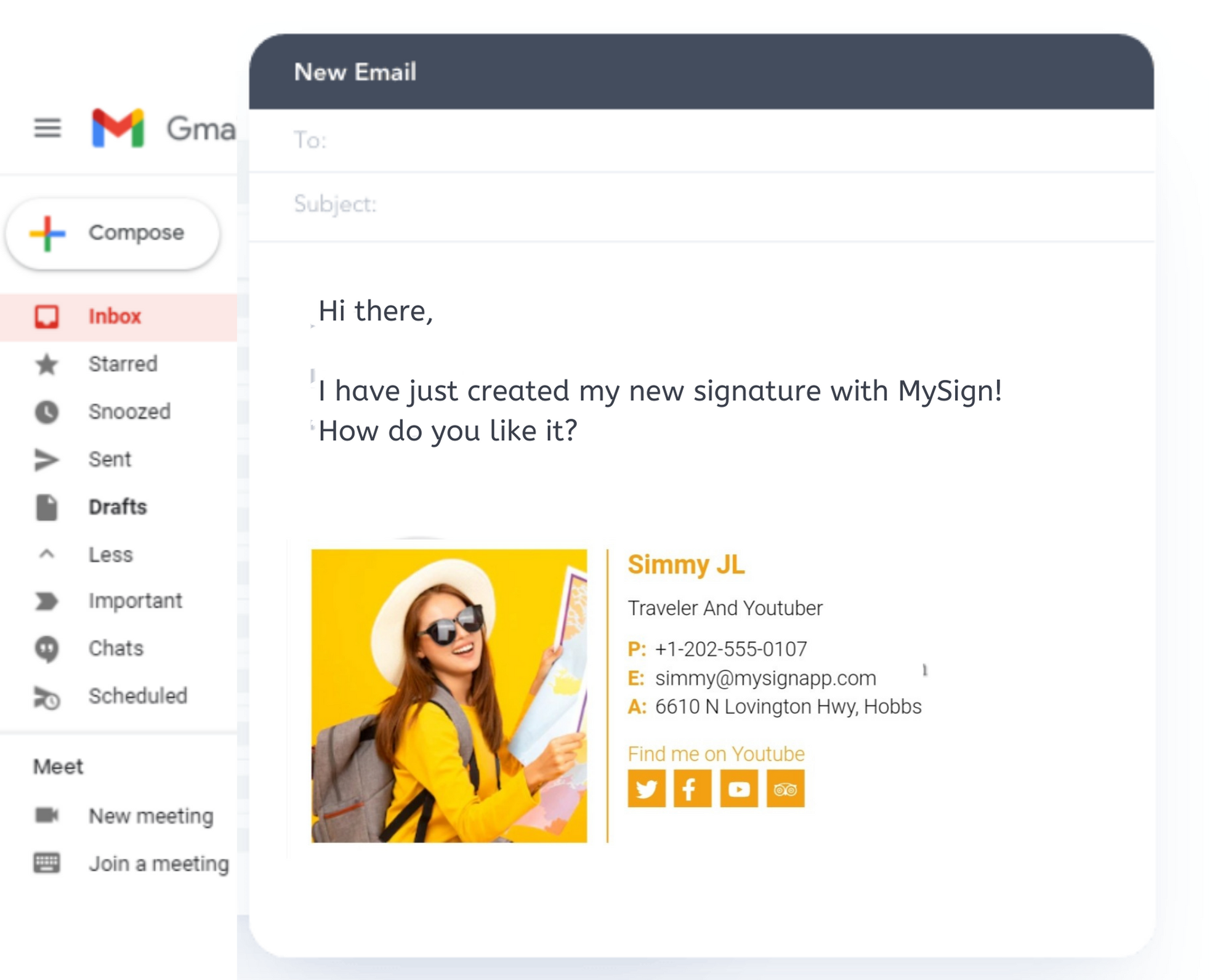
How To Create an email Signature for Gmail in Simple Steps?
You can create a distinctive email signature with just one button click, to streamline your customer communication via Gmail.
- Signup with your personal or professional email or you can use your Facebook, LinkedIn, or Google account to log into MySign.
- Now you are at your dashboard, Find the Button Create new signature and click on that.
- You are required to fill in all necessary information like name, company logo, phone number and address, banner, social icon, and more of the email signature text.
- Select your favorite template, you can see the preview of the signature you have created, and click the finish button.
- Congratulation, you have created a signature now, go to your Gmail account and click the setting just on your top right side on the Gmail dashboard.
- Find the signature section, now paste your signature here which you have copied from the MySign dashboard and click to save.
Frequent questions
Do you have some questions ? Find answers in our FAQ.
1.How to create a professional Gmail signature?
With MySign, you can easily create a professional Gmail signature in less than a minute.You need to provide basic details and follow the given steps on the MySign dashboard and finish it.Thus, without any coding skills, you have designed your HTML signature.
3. Can I create a Gmail signature using my own image or logo?
Yes, MySign allows you to embed your own image or a logo of your personal brand or a banner to promote your product and services.Our editor is designed for this, using this you can upload an image and customize it in size and shape.
5. Can I add social media icons to my Gmail signature?
Yes, you can use social media icons to your Gmail signature with MySign. You can easily select icons and insert them into your signature.
2. What Is the Best Tool to create Gmail signature?
You may find a lot of options for creating a Gmail signature on the internet. But MySign provides you best features at a low price and a dedicated support team for our client.Using the MySign editor, you can create Gmail Signature just in a minute, without any problem.If you face any issues, just email us at info@mysignapp.com
4. How Can I create free Gmail signature using MySign?
Yes, you can generate a free Gmail signature using MySign dashboard for your personal usage.Open www.MySignapp.com, and follow the instructions and steps.
6. How to choose the best email template for Gmail signature?
We provide vast variety of email signature templates. Choose a signature template that reflects your professional image and nature of business.