Use MySign email signature generator for Outlook
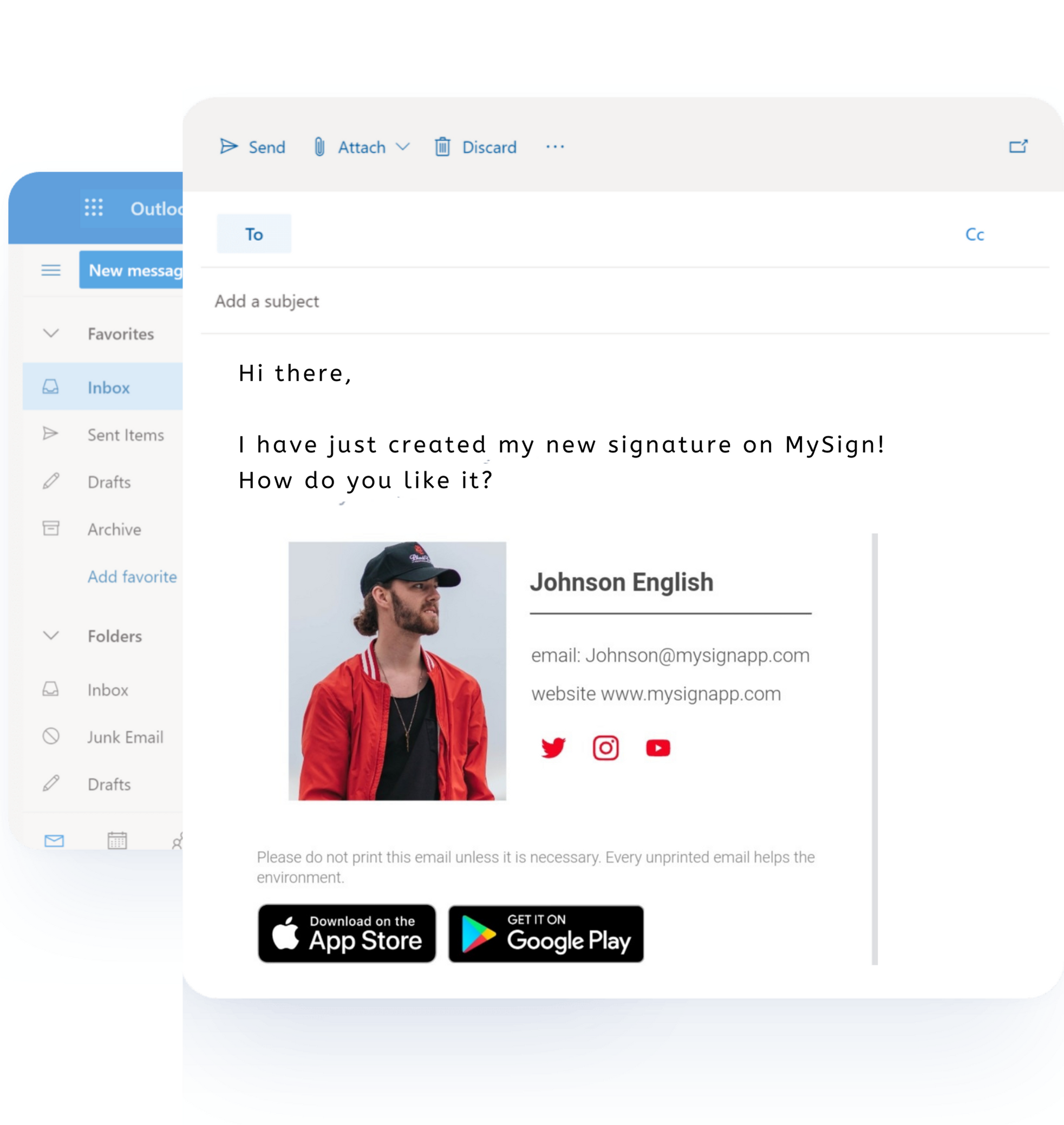
How To Create a Professional, Outstanding Outlook Email Signature?
A Professional email signature is an important aspect of your day-to-day communication. It can be a powerful way to make a good first impression on recipients, but it also has the power to reflect poorly on you if it's not well-designed.
You need to create an attractive looking email signature that will help in maintaining the brand image of your business.
Your search is over. MySign can help you to generate an Outlook Email signature in just simple steps.
- Sign Up with your email and password for MySign.
- Now you are at your MySign dashboard click to Create new Signature Button and fill the details.
- Add image, social icon, Disclaimer.
- Now login to your outlook and create new email.
- In the Massage tab select Signature and add a new signature.
- Paste it your signature into the Signature box which you have copied from MySign.
Frequent questions
Do you have some questions ? Find answers in our FAQ.
1. What is the best Microsoft outlook email signature creator?
There are many signature generators available on the market. You can use any of them. However, MySign offers the best features at a low cost.You can increase the visibility of your brand by using MySign, and at the same time, one that meets both your personal and business needs.
3. How to create outlook email signature with a logo?
Go to our editor, then click on the image.Upload the image and logo, then adjust its size, shape, and width.Now check your preview. If it is correct, then paste it.
2. How to choose Microsoft outlook email signature Templates?
With MySign, you can design a great and professional email template.Choose from amongst the professional email templates we've designed for you and increase your brand's visibility.